Transaction Examples – Inventory
These examples are for systems where inventory is not integrated into the ledger (transactions are not posted to the ledger). No information is lost when you choose not to integrate inventory. The inventory movements are still recorded. It simply allows you to create two or three entries at the end of the month instead of hundreds of entries to capture every stock movement.
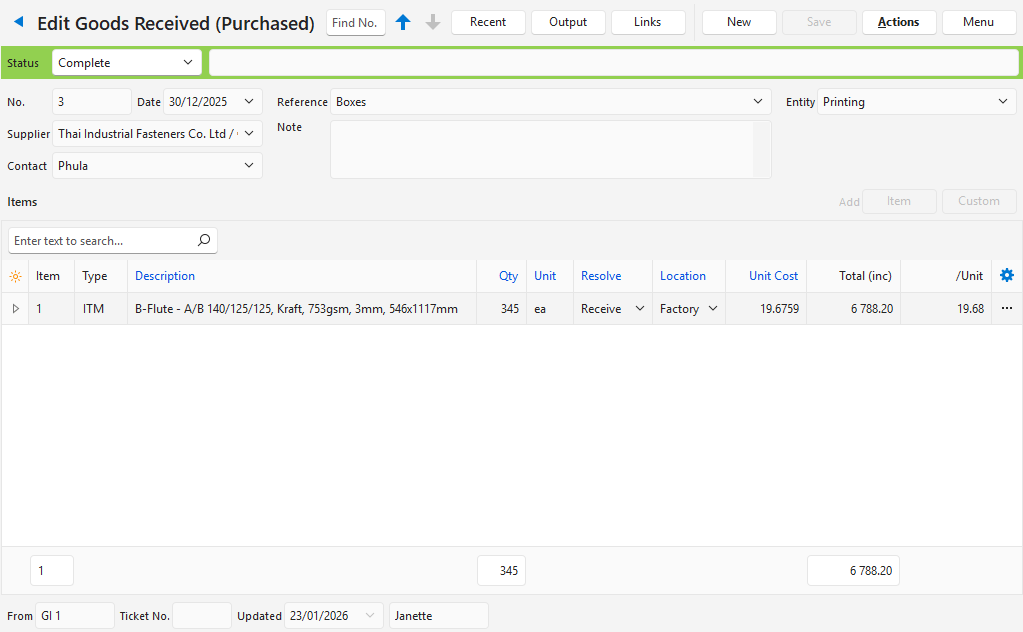
Fields that are not relevant to the transaction have been hidden on the screenshots.
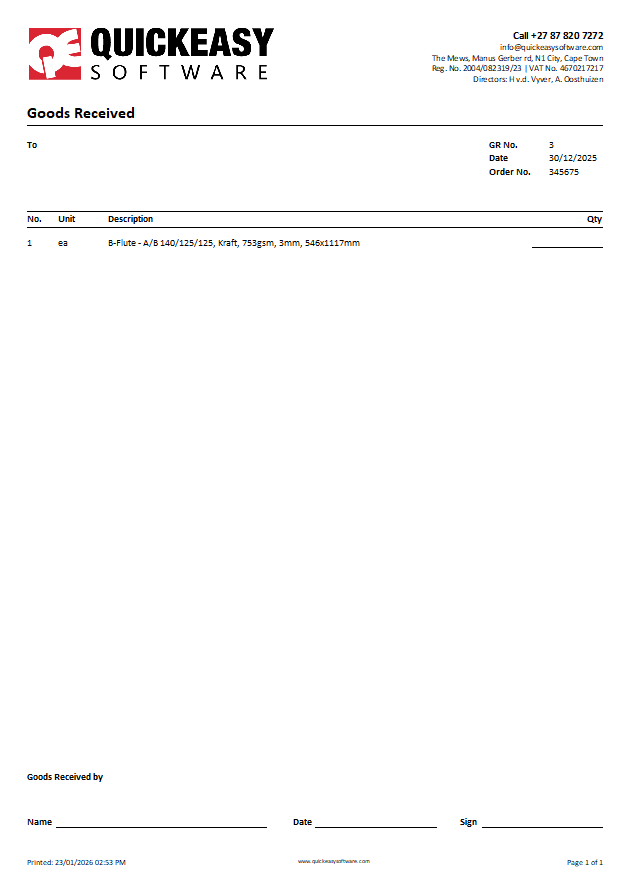
Goods Received
- Goods Received (transactions) are created when goods are received from a supplier, or finished goods are received from production.
- The Resolve option determines how inventory movements are recorded.
Goods Issued
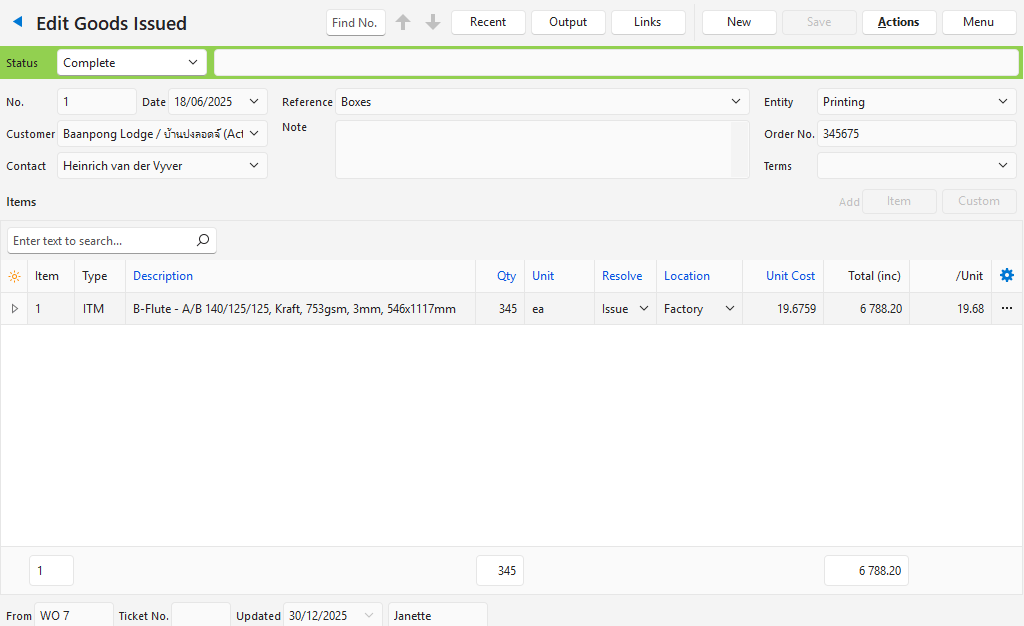
- Goods Issued (transactions) are created when stock is issued to Production (e.g. raw materials) or goods are issued to Customers.
- The Resolve option determines how inventory movements are recorded.
Goods Returned
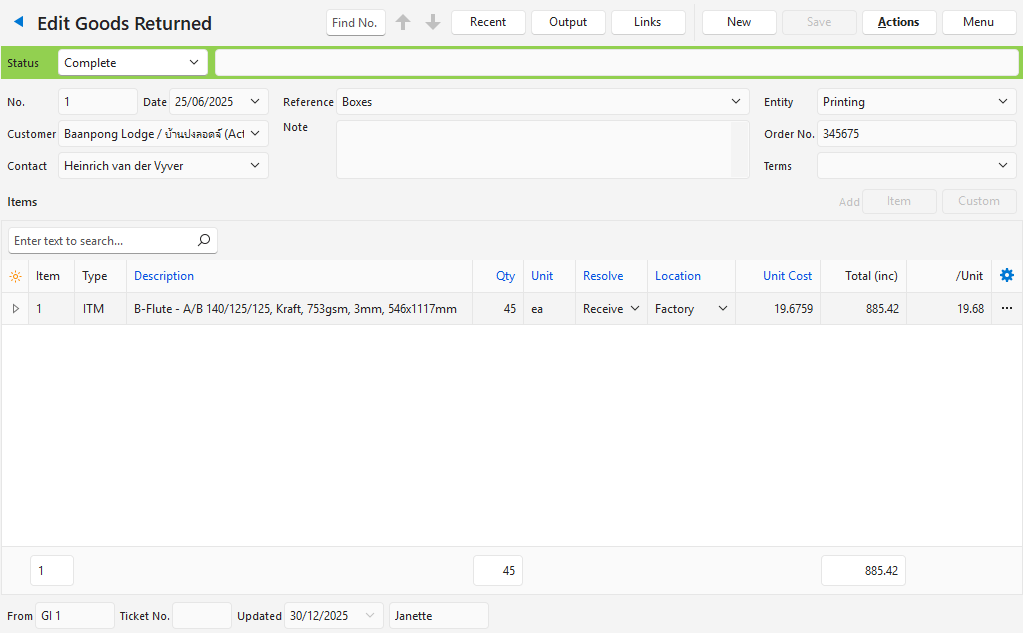
- Goods Returned (transactions) are used when Customers return goods. They are also used when Production returns unused raw materials to stock.
- Goods Returned has the same effect on inventory as Goods Received.
- A seperate transaction type (Goods Returned) is created for control purposes.
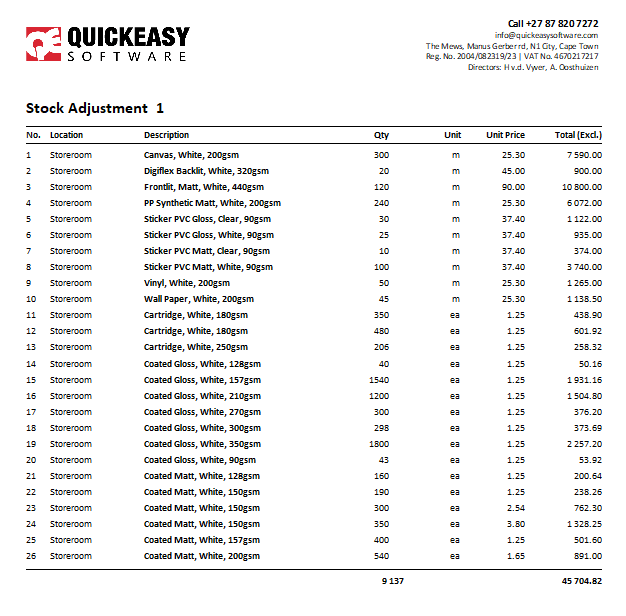
Stock Adjustments
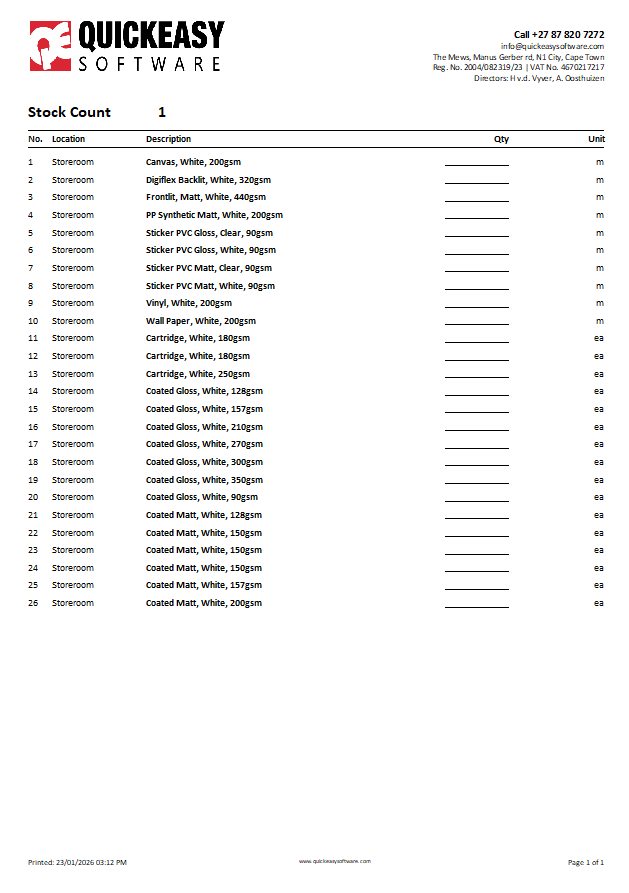
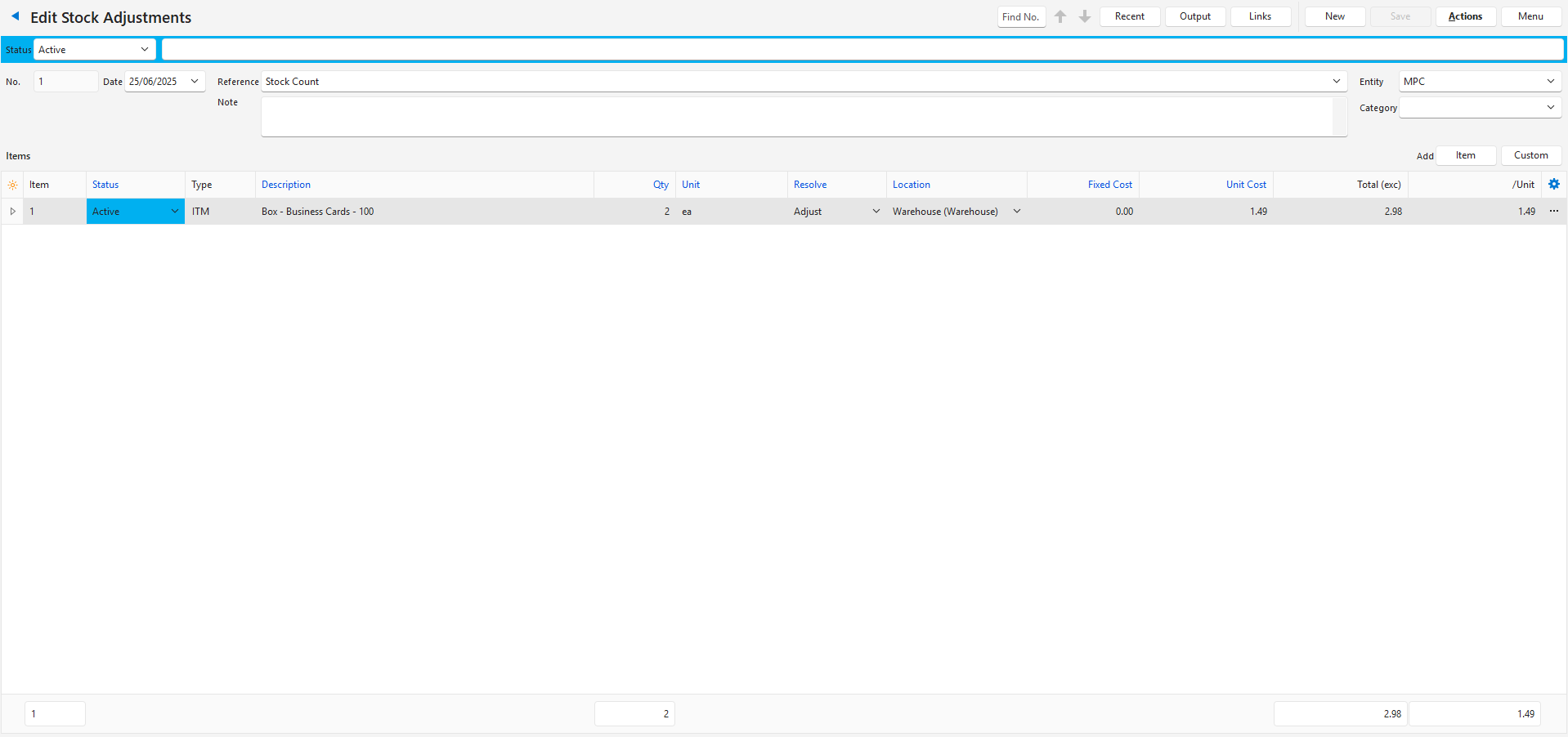
- Stock Adjustments are made when a stock count is performed, and the counted numbers differ from the system numbers.
- System numbers are calculated by summing all the stock movements on transactions.
- Resolve is not used for stock adjustments.
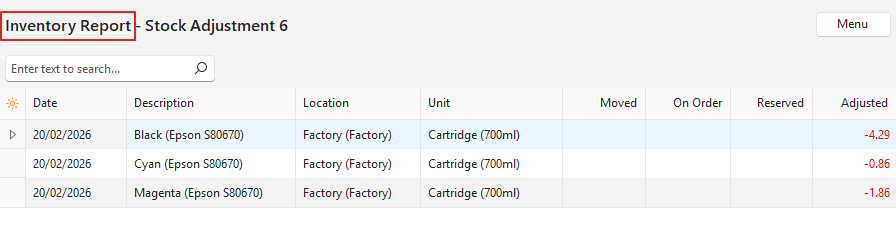
- The Inventory Report shows how inventory is affected and is accessed by clicking Menu (button) > View Inventory.
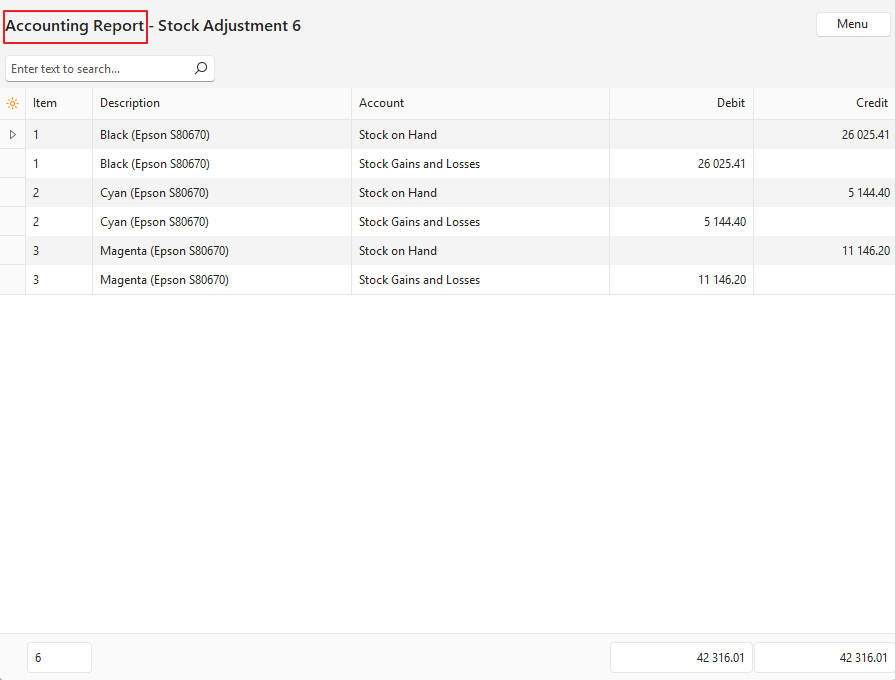
- Stock Adjustments can be posted to the ledger to record stock gains or losses. However, a transaction is created for every item.
Transfer Issued
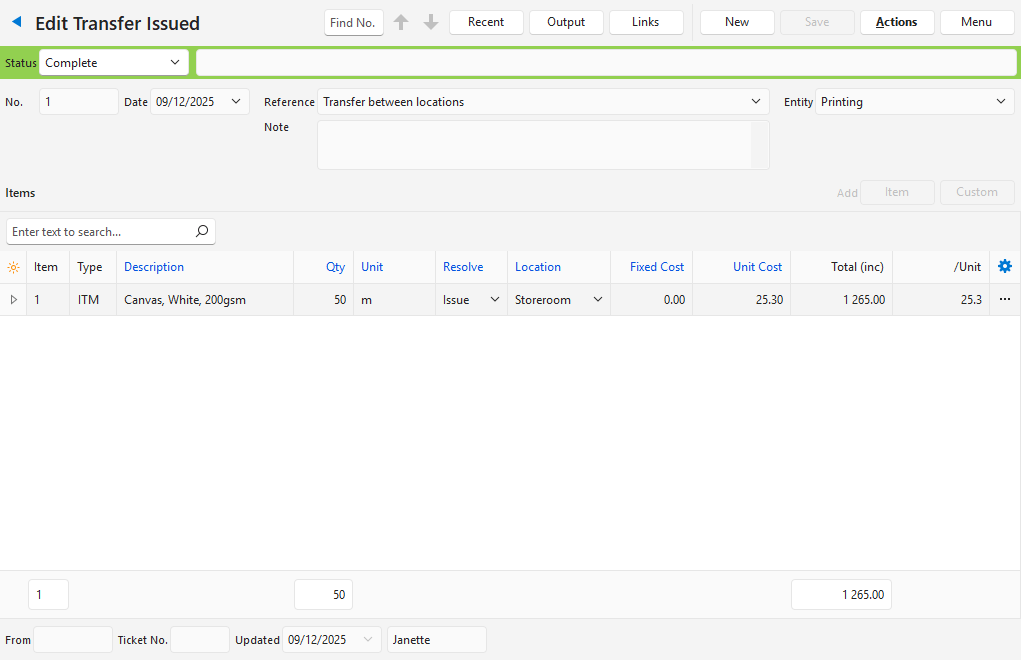
- Transfer Issued (transactions) are only needed if inventory is stored in multiple locations and counts are kept for each location.
- For example, a Transfer Issued (transaction) is created at head office to transfer stock to a branch.
- The branch counts the stock and approves or edits the Transfer Received (transaction) (which can be copied from the Transfer Issued (transaction)).
- The Inventory Report shows how inventory is affected and is accessed by clicking Menu (button) > View Inventory.
Transfer Received
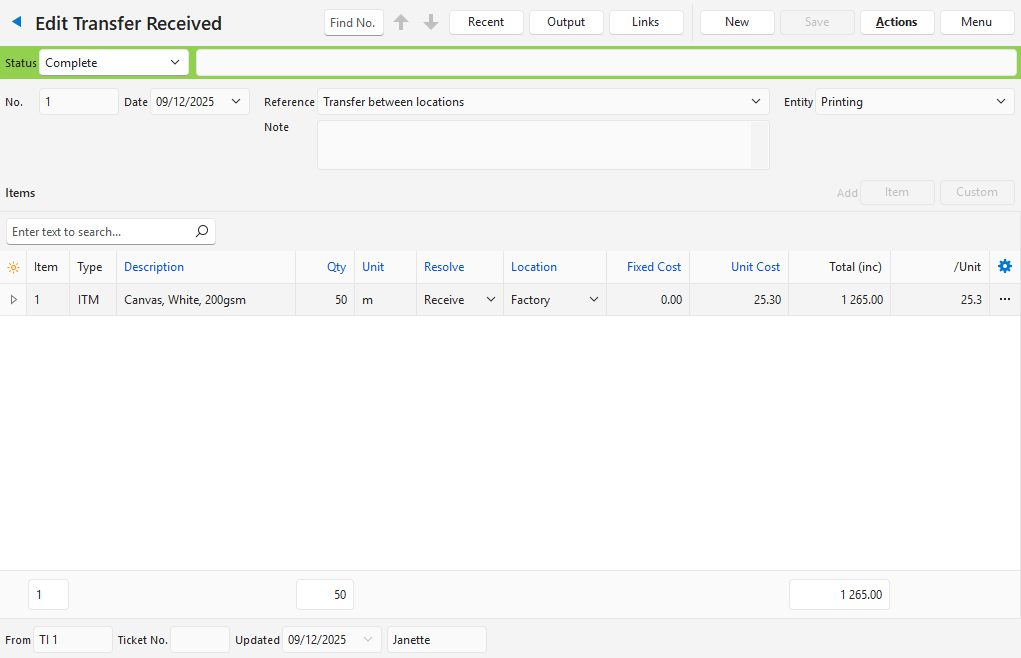
- Transfer Received (transactions) are only needed if inventory is stored in multiple locations and counts are kept for each location.
- For example, a Transfer Issued (transaction) is created at head office to transfer stock to a branch.
- The branch counts the stock and approves or edits the Transfer Received (transaction) (which can be copied from the Transfer Issued (transaction)).
- The Inventory Report shows how inventory is affected and is accessed by clicking Menu (button) > View Inventory.
Output Examples